
Illustrative data · Public reporting dashboard with protected administration
Community Support Dashboard
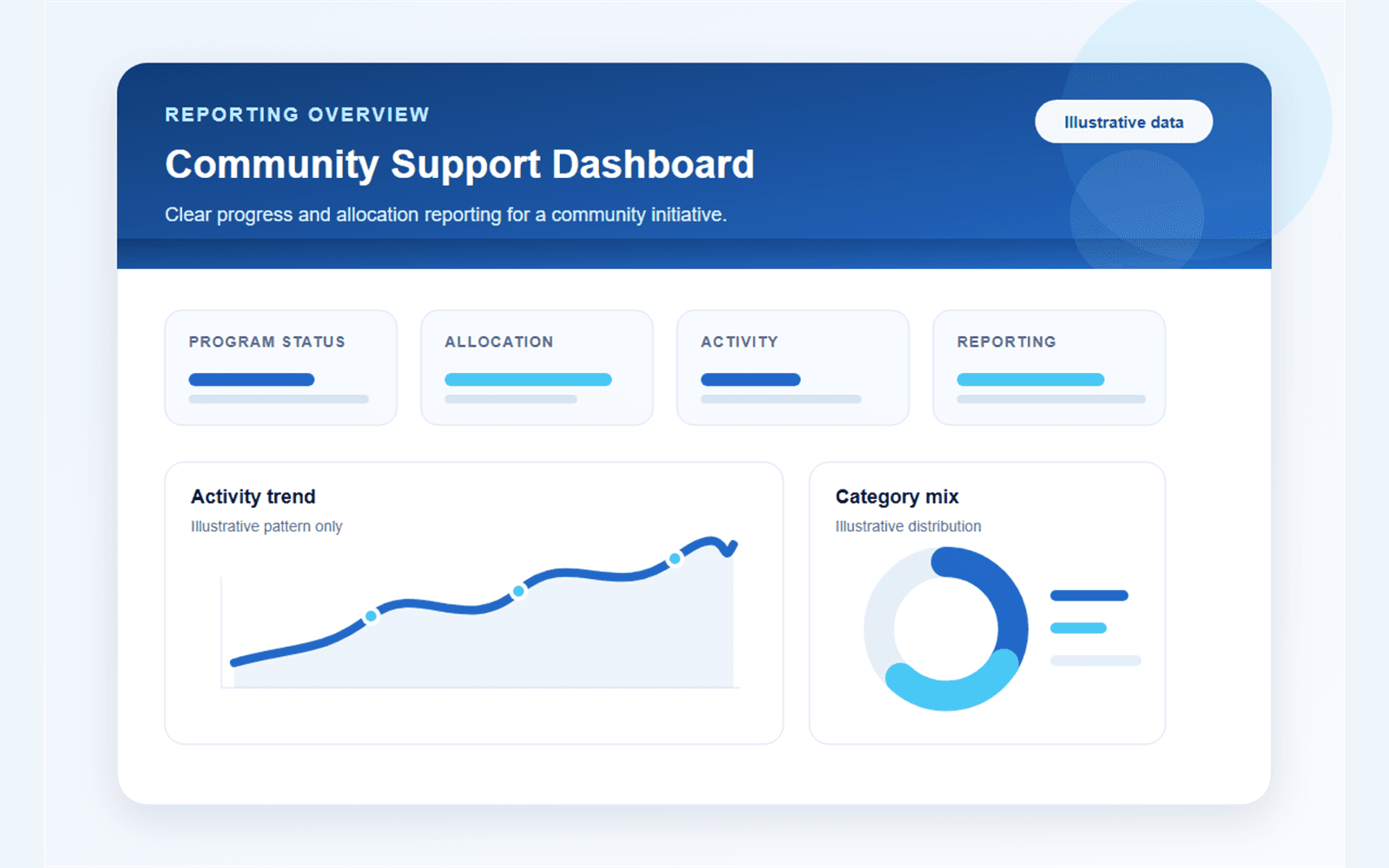
Supporters can understand high-level progress while operational and personal records remain outside the public experience.
Context
For whom
Designed for community initiatives that need to communicate financial progress publicly while keeping supporter and operational details private.
- Clear public summaries and visual reporting
- Protected administration for financial records
- Consistent reporting across currencies and languages
The starting point
Why it was needed
Public transparency required clear progress and allocation reporting without exposing private supporter or operational information.
- High-level progress was difficult to communicate consistently
- Public and administrative information required different access boundaries
- Currency conversion and transaction import needed traceable rules
What changed
The solution
Eleva separated a read-only public dashboard from protected administration and limited public reporting to understandable summaries and charts.
- Public totals, progress and allocation views
- Category and budget-versus-spend charts
- Historical currency-aware reporting
- Protected donation, expense, budget and import administration
Workflow comparison
Before and after
Before
- Reporting depended on assembling high-level information manually.
- Public clarity and private administration were difficult to separate.
- Currency and import decisions required consistent handling.
After
- A read-only dashboard exposes only approved reporting fields.
- Protected tools manage the underlying operational records.
- Charts and currency views use one structured reporting model.
Evidence in context
Project walkthrough
01 · Public reporting overview
The illustrative overview demonstrates a concise public reporting hierarchy without using real names, dates or amounts.
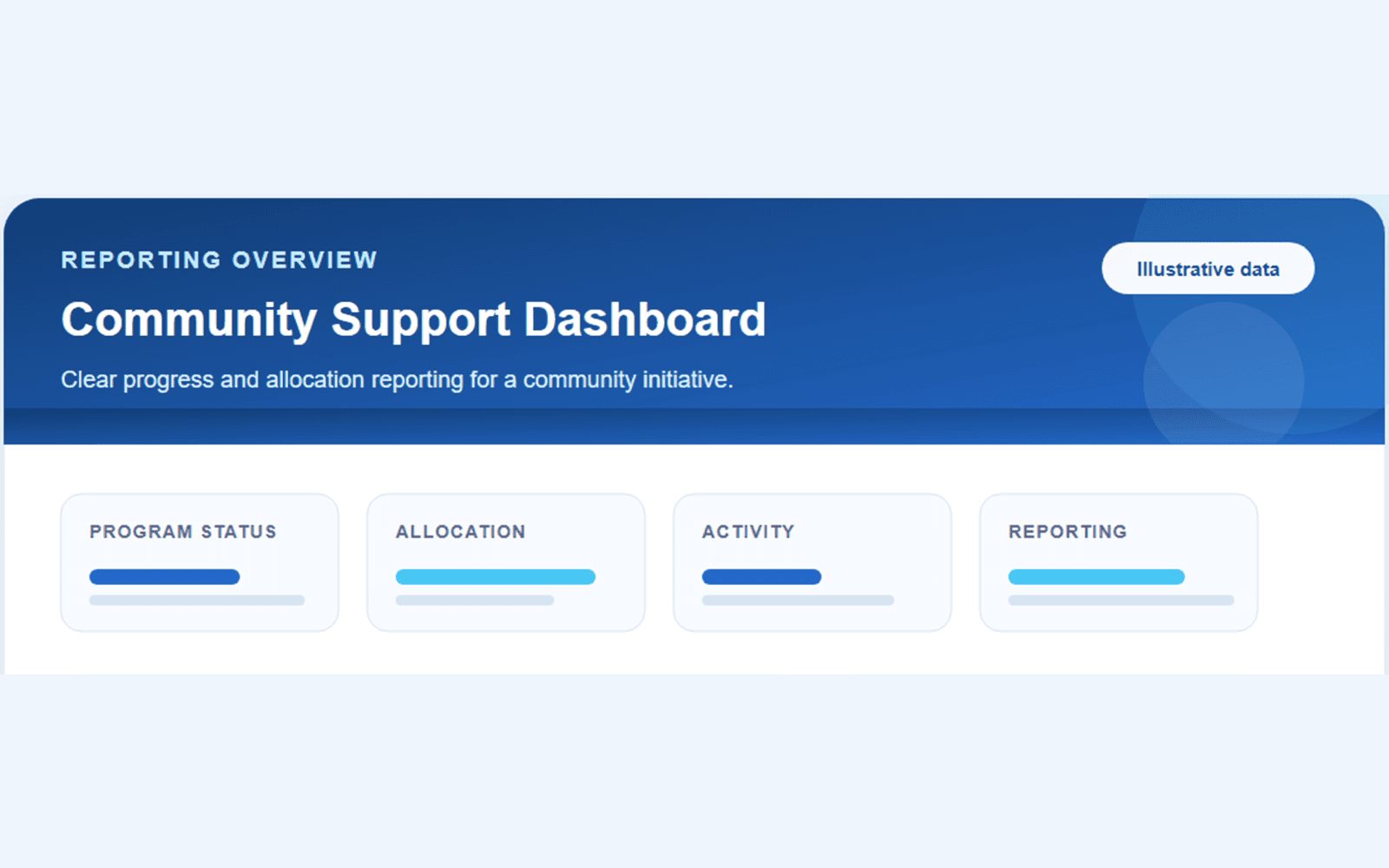
02 · Aggregate status
Status is communicated through approved aggregate categories rather than individual supporter or operational records.
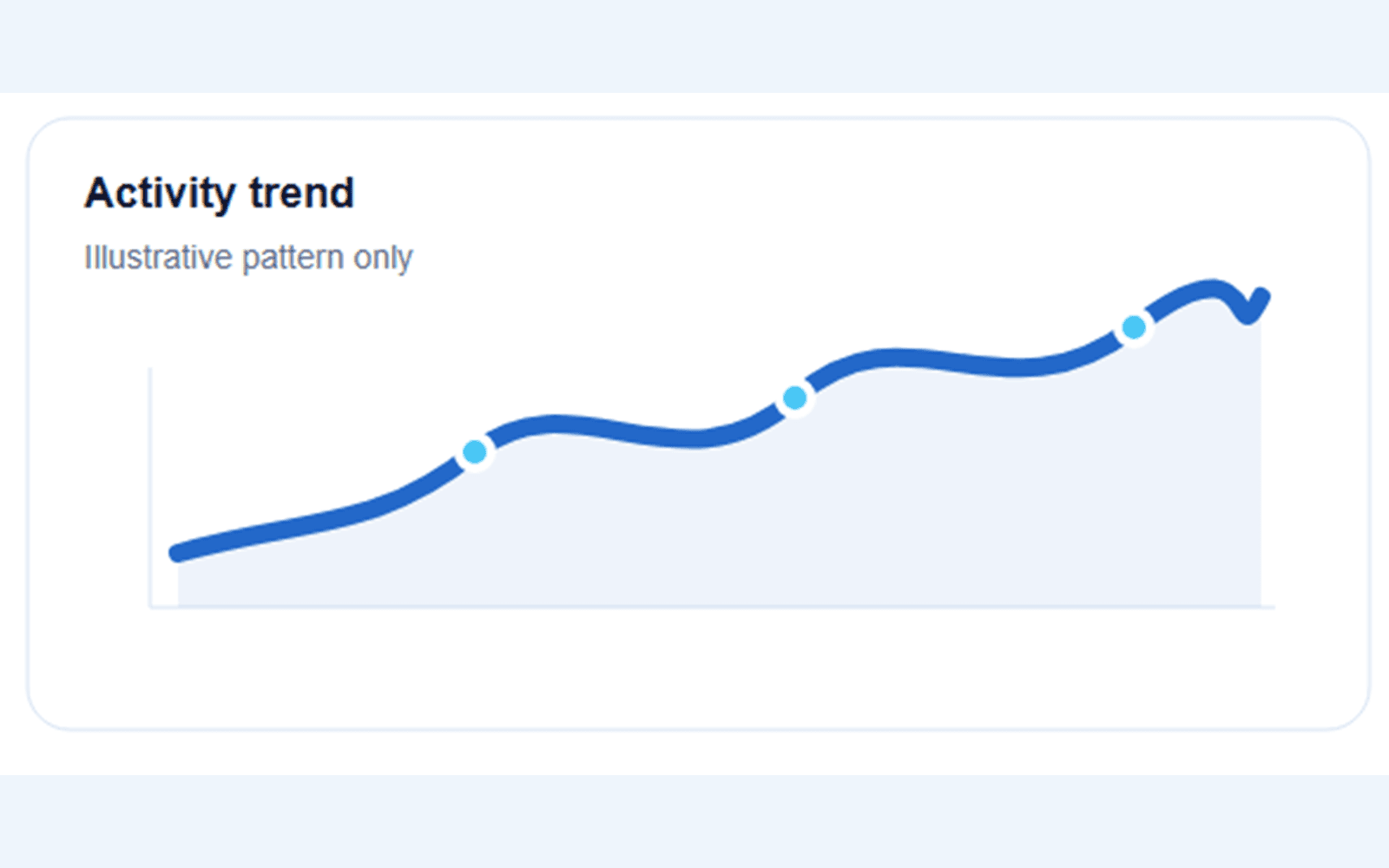
03 · Activity trend
A simple trend view helps visitors scan direction over time while the evidence remains explicitly illustrative.
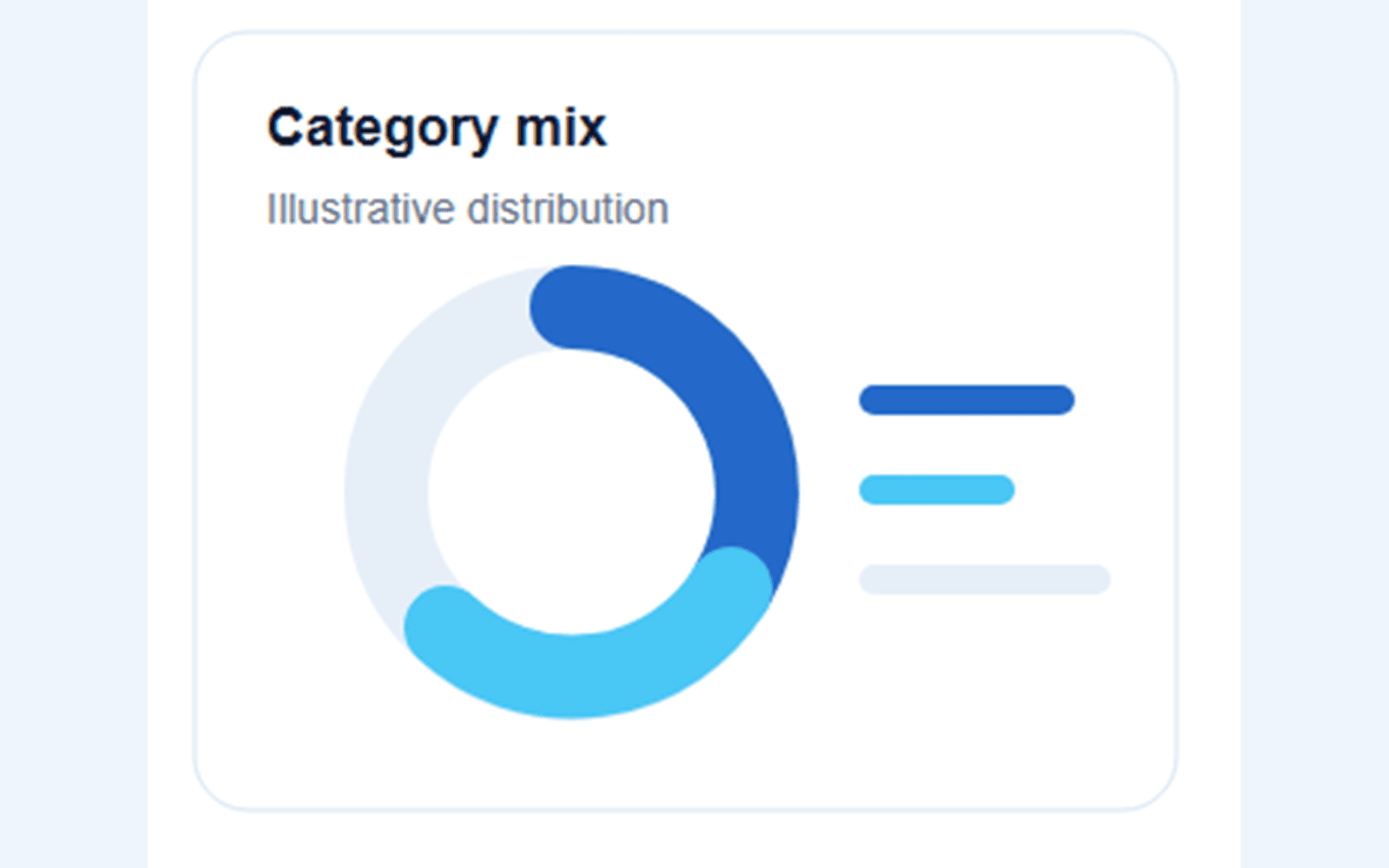
04 · Category mix
The category view explains allocation structure without publishing private transaction detail.
Fit before fashion
Technology and why
Next.js
- Requirement
- A public dashboard separated from protected administration
- Why it fits
- The App Router supports clear public and admin route boundaries in one maintained application.
- Resulting benefit
- Public reporting stays simple while sensitive operations remain server controlled.
Supabase
- Requirement
- Structured financial records with different public and admin views
- Why it fits
- PostgreSQL views and server-only privileged access support a deliberate public-data allowlist.
- Resulting benefit
- The public dashboard receives only the fields intended for reporting.
Recharts
- Requirement
- Clear visual comparison of progress and allocation
- Why it fits
- Reusable chart components fit the summary, category and budget comparison views.
- Resulting benefit
- Visitors can scan reporting patterns without reading raw transaction tables.
PDF.js and CSV parsing
- Requirement
- Reviewable transaction import from common source files
- Why it fits
- The import workflow can extract source records for preview and duplicate checks before commit.
- Resulting benefit
- Administrators can process records with a visible review step.
Vitest
- Requirement
- Repeatable checks for public fields, imports and reporting rules
- Why it fits
- Focused tests protect transformations and the separation between public and administrative behaviour.
- Resulting benefit
- Reporting changes can be verified against the established data rules.
Illustrative data
Security and privacy
All public evidence on this case-study page is illustrative. It contains no real supporter, beneficiary, transaction or operational record.
- Read-only public reporting views
- Protected administrative routes and server-only privileged access
- Soft-delete and audit-friendly operational handling
- Fully illustrative public screenshots
Outcome
Public reporting separated from private administration
The system creates a clear aggregate reporting experience while preserving a separate operational workspace for authorised administration.
- Understandable public progress
- Controlled operational records
- Consistent multi-currency reporting
A similar process?
Start with the work that needs to become clearer
If Community Support Dashboard reflects a workflow your team is managing through spreadsheets, email or repeated follow-up, describe the process. No technical brief is required.
Talk through your process